Caring for your virtual environment
Operating system (OS)
OSs 1 act as the intermediary between a User / Application, and the underlying hardware.
Some distinctions can be made about different OSs:
- Single user vs. Multi user
- How they handle the kernel, memory management and threading
- How your filesystem(s) are configured
- Security / Networking Considerations
glibc
glibc is the GNU C Library, and is the GNU implementation of the C standard library. It is used in most Linux distributions.
What about my machine?
You might have any of the following:
- MacOS
- Some Linux distribution
- Windows
- iOS / Android
- other
For windows / non-POSIX compliant systems, consider:
- Cygwin
- MinGW
- Windows Subsystem for Linux (WSL)
The Portable Operating System Interface (POSIX) attempts to unify and standardize across different operating systesms, but it is up to the implementation as to what is supported.
Linux shell(s)
Okay, so we have an Operating Systems with a glibc version, but how do we interact with the system?
We use a unix shell for this, which provides a Command Line Interface (CLI) to the OS. This is both an interactive command tool, as well as a scripting tool.
You have a few different options when picking a shell:
- Bourne Shell (sh)
- Bourne-Again shell (bash)
- C shell (csh)
- TENEX C shell (tcsh)
- Z shell (zsh)
- KornShell (ksh)
Terminal Emulators
A terminal emulator, or terminal application, is a program that emulates a video terminal within some other display architecture.
Here are some example terminal emulators:
- Alacritty
- iTerm2
- PuTTY
- xterm
- GNOME Terminator
- Guake
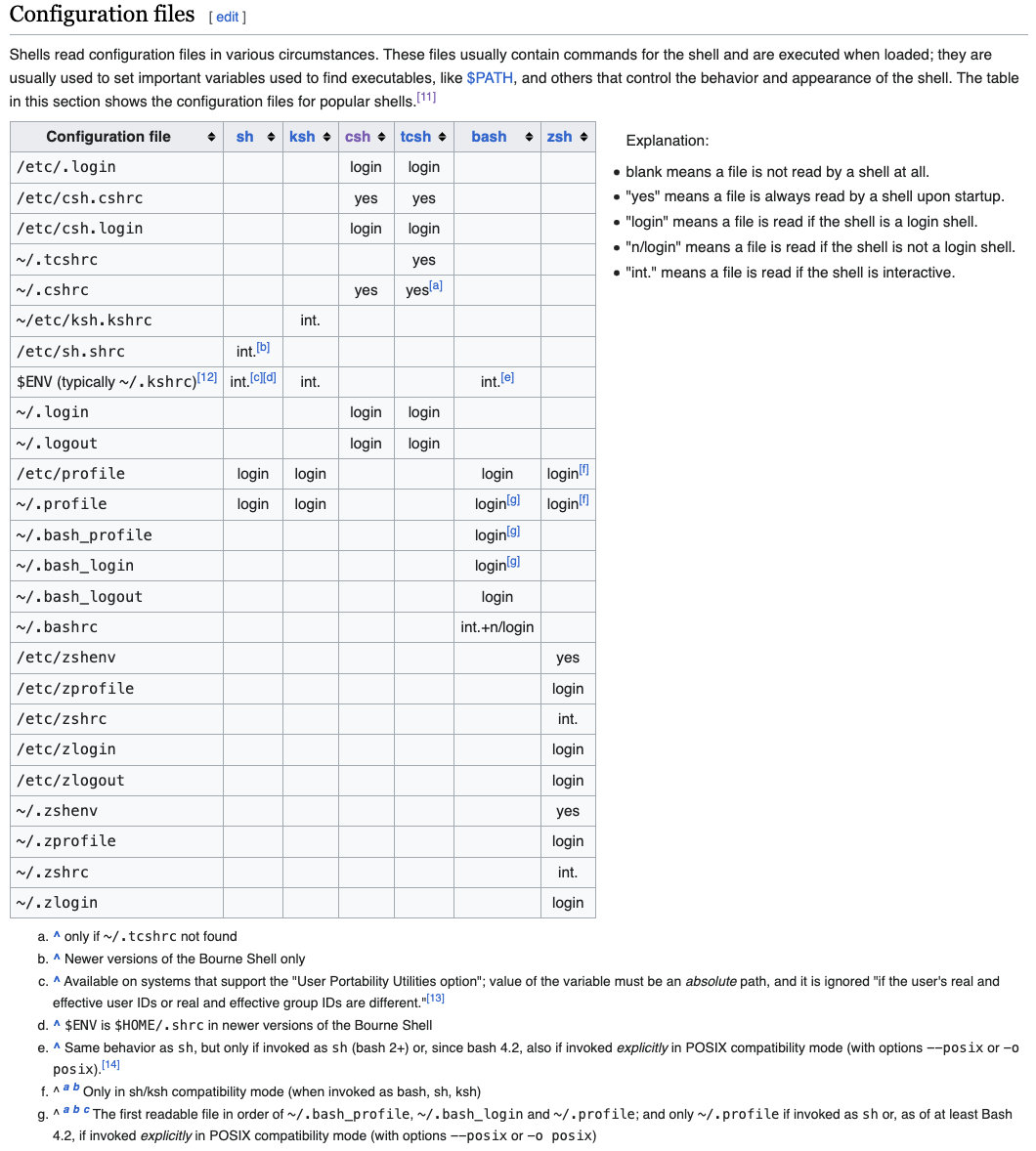
Configuration files
Since each shell deals with configuration files slightly differently, this can become overwhelming to discuss. For this workshop, we will just be talking about bash from now on. Key configuration files in bash:
~/.bashrc~/.bash_profile
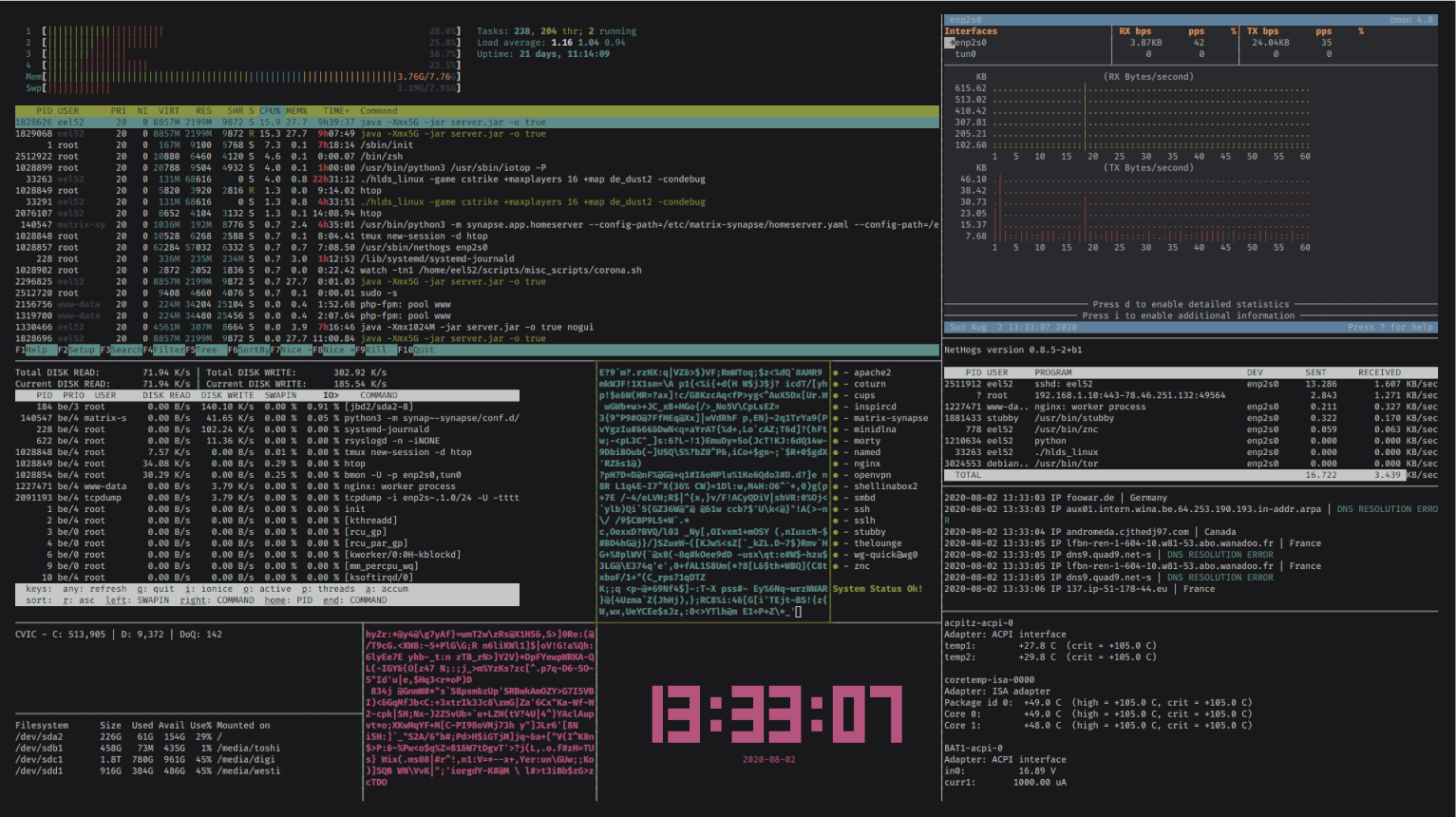
Making things look pretty
Taking iTerm2 as an example, you can customize the following:
- Modify window size / appearance
- Modify your text / font configuration (add icons)
- Enable / disable mouse reporting
- Copy on select
- Keyboard shortcuts
In something like alacritty, these are configured by a single alacritty.toml file.
But what about the terminal prompt? We can modify PROMPT_COMMAND and PS1 in our init file…
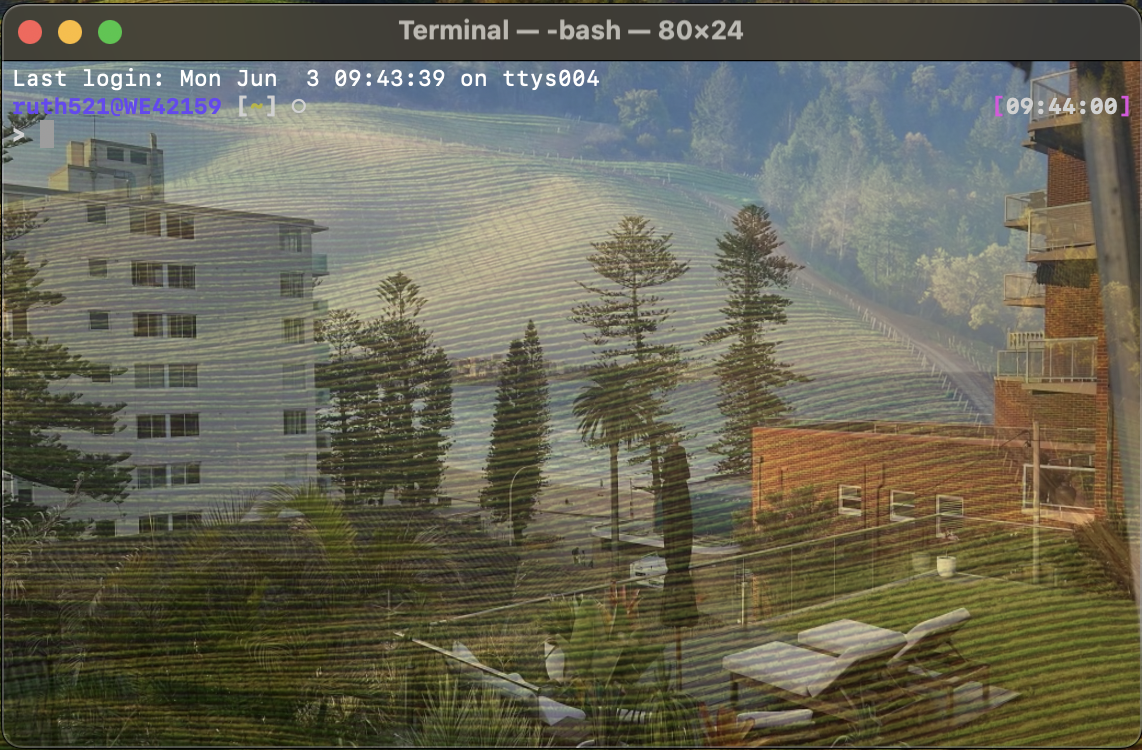
Terminal Emulator cusomtization 1
![]()
Nice Beach Terminal
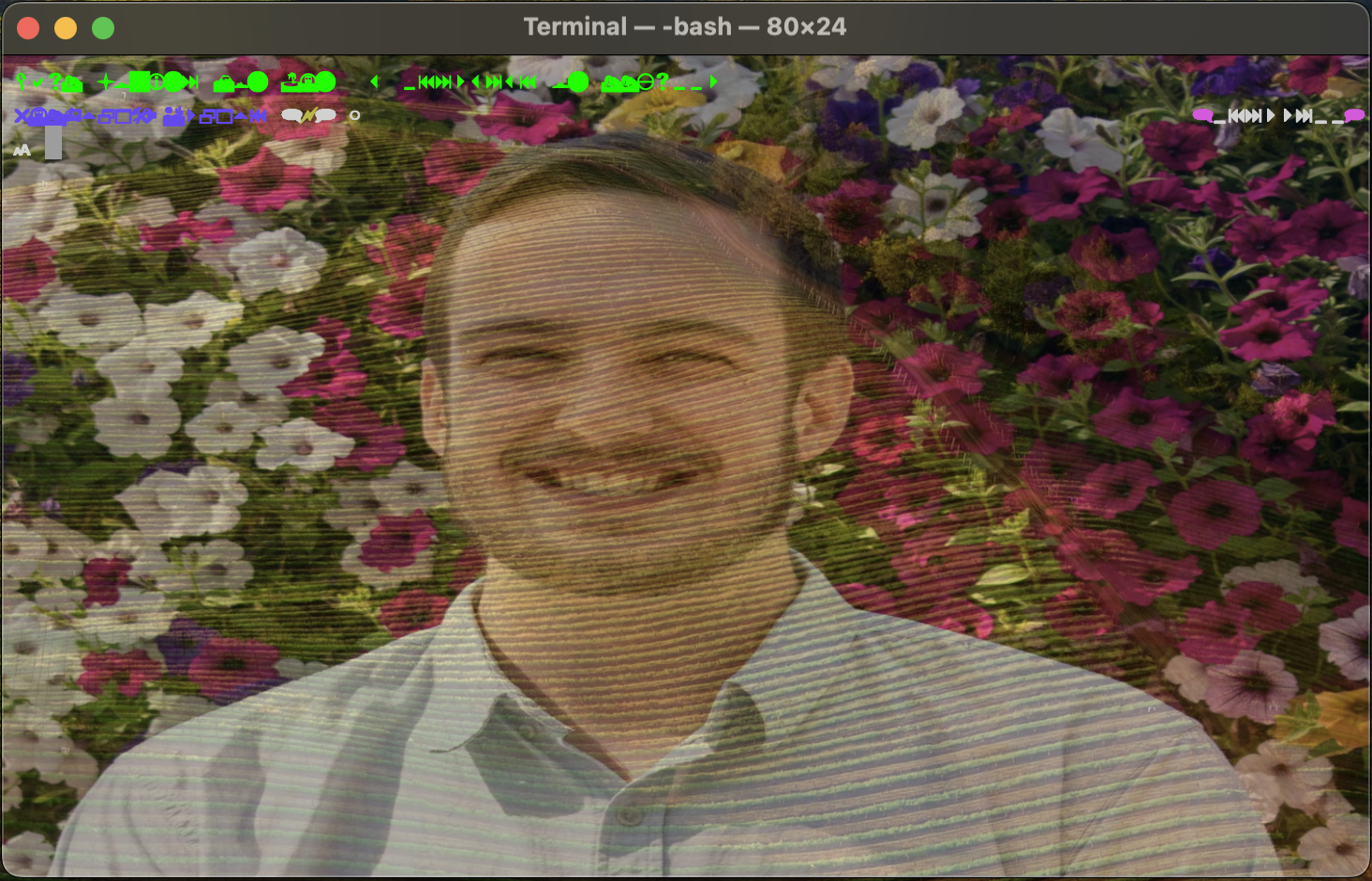
Terminal Emulator cusomtization 2
![]()
Terrible Webdings Terminal
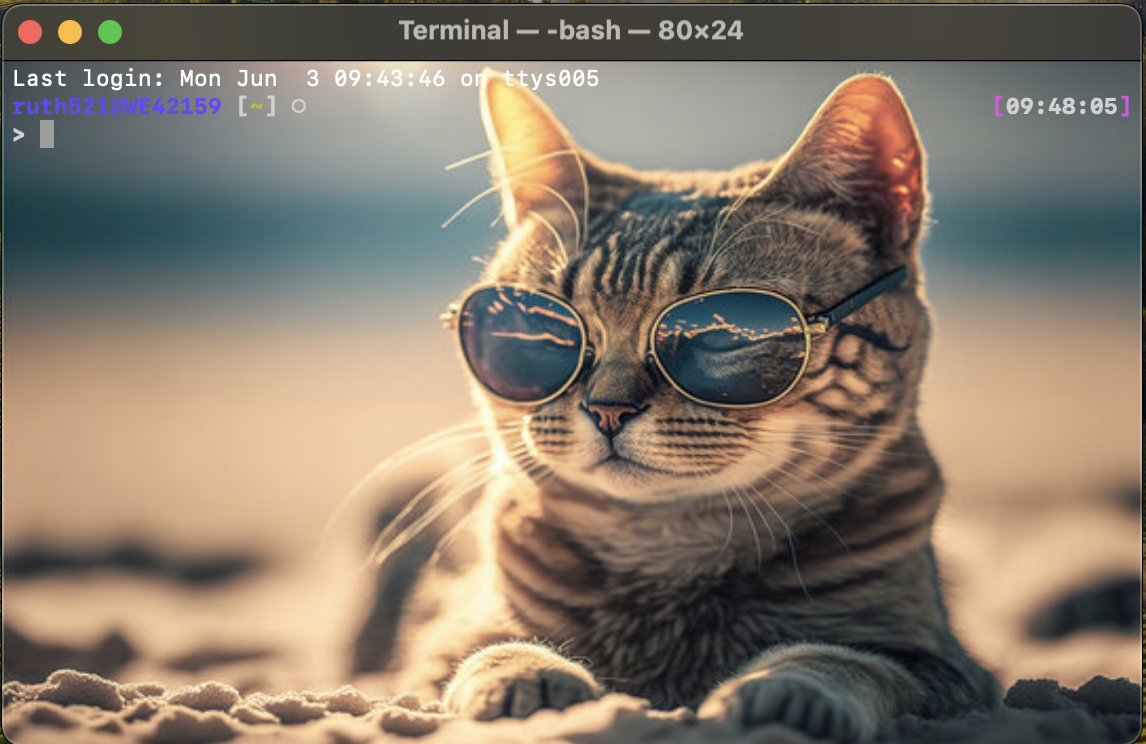
Terminal Emulator cusomtization 3
![]()
Cute Cat Terminal
Oh my!?
For all the shells mentioned, there are tools that help you manage your prompt themes:
- Bourne Shell (sh)
- Bourne-Again shell (bash)
- C shell (csh)
- TENEX C shell (tcsh)
- Z shell (zsh)
- KornShell (ksh)
- Windows Powershell (psh)
- sh - manual PS1 configuration(?)
- bash - oh-my-bash
- csh - manual configuration
- tcsh - oh-my-posh
- zsh - oh-my-zsh
- ksh - oh-my-ksh
- psh - oh-my-posh
Theme examples - wedisagree
Theme examples - jonathan
Theme examples - intheloop
Window Manager?
While you can use your terminal emulator to manage your windows, you can also use tmux to manage your windows.